
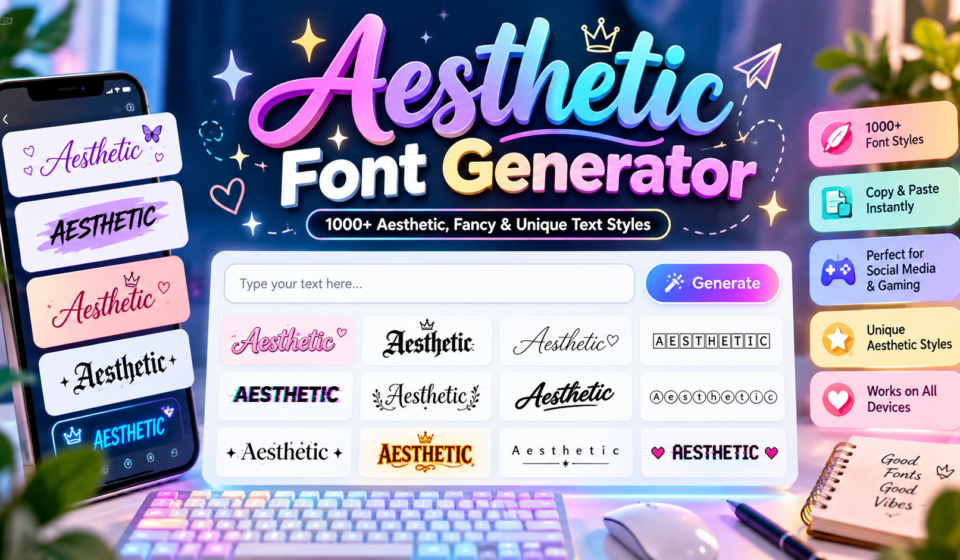

Aesthetic Font Generator
Transform your text into vaporwave, cute, and dreamy styles for Instagram, TikTok & Discord.
In practice, an aesthetic font generator turns ordinary text into visually decorative characters for profiles and captions, offering cursive lettering, small caps, and bubble letters to express a mood and distinguish a personal online profile.
From testing, these styles use Unicode characters, remain image-free text rather than pictures, and support copy and paste without font files; check compatibility and preview results before sharing across your online messaging apps and profiles.
Table of Contents
What Is An Aesthetic Font Generator?
An aesthetic font generator transforms ordinary text into visually appealing styles using Unicode letters, decorative text styles, and fancy styles. It helps personalize social media bios, usernames, and creative projects without requiring software installation.
Rather than installing fonts, users can explore dreamy aesthetics, cursive lettering, small caps, and symbol-based styles through an online font generator. Simply enter text, browse styles, edit selections, and copy results for immediate use.
How Does An Aesthetic Font Generator Work?
When you enter text, the generator checks character support and maps each letter to available Unicode variants. It organizes results by style, letting you compare alternatives before choosing a suitable visual treatment for your text.
Behind the scenes, character mapping converts each typed symbol into a compatible alternative; the tool doesn’t install a font. Your selected result stays copyable, although apps may display the characters differently across screens and devices.
Also Read: Flag Font Generator – Create 1000+ Flag & Stylish Text Styles
Types Of Aesthetic Fonts And Text Styles
Choosing a style is less about decoration than function: double-struck lettering can create emphasis, while symbol styles add personality. Compare each result at its intended size before placing it in a profile or caption online.
More complex treatments, including fullwidth forms and enclosed letters, change the visual footprint; spacing effects may also widen a line. Test several samples, then favor the version that stays clear across devices and app interfaces.
How To Use An Aesthetic Font Generator
Start with the online workflow: enter text, then select font style to suit your profile or project. Preview generated text on small mobile screens; a decorative result should still feel clear and readable when pasted.
Treat the three-stage process as a quick quality check: copy result, paste result into the intended location, then examine line breaks and symbol display. If characters shift, choose a simpler style and test again carefully.
Where To Use Aesthetic Fonts
Distinctive typography fits spaces where personality matters, not everywhere by default. Social media profiles and gaming usernames benefit from individual styling, while chat applications suit brief flourishes that remain comfortable to read across everyday conversations.
For visual work, design projects can reinforce branding; creative work can distinguish notes and documents or add character to promotional material. Keep longer passages conventional, reserving ornate styles sparingly for headings or accents when needed.
Unicode Compatibility Across Devices And Platforms
Unicode mapping lets stylized characters travel through cross-platform copying without installed font files, yet character rendering and visual differences can vary across modern devices and operating systems. Test each result on your intended platform first.
Unsupported Unicode may produce text display errors, boxes, or substitute symbols when character ranges, font support, or software restrictions vary. Preview bio fields, captions, and messages on iPhone and Android before publishing your final choice.
Tips For Choosing The Right Aesthetic Font
Start with the intended message, then consider the platform and project suitability before choosing decoration. A style that suits a personal bio may distract from a portfolio, announcement, or gaming name with limited space available.
Use style previews to compare options, checking readability, visual balance, and the quantity of decoration on a phone. Choose an aesthetic match for your visual identity, and test the final appearance before copying across profiles.
Is An Aesthetic Font Generator Free To Use?
A free font generator may offer free access with a copy-paste tool, but provider pricing differs; compare available font styles before depending on the same options for personal or client projects for repeated design needs.
Check whether online access requires registration, because free tools sometimes set usage limits or keep advanced effects among restricted features; review subscription requirements before assuming every tool or export option costs nothing for all users.
What To Know About Aesthetic Unicode Text
Aesthetic Unicode text is not a downloadable font; it uses character mapping to replace ordinary characters with available Unicode alternatives. The result is copied text that may look decorative while remaining usable in online profiles.
Because font support varies, some symbols can become substitute symbols or empty boxes on older devices. Check character display in the target app, especially when application restrictions affect usernames or messages across different online platforms.
Aesthetic Font Examples
Flowing Lettering and a Handwritten Appearance suit gentle profile names, while Rounded Characters make short labels feel friendly. These examples show how visual choices can shift a name’s mood without changing its meaning or length.
Enclosed Characters can emphasize initials, whereas Upside-Down Text, Mirrored Text, and Reversed Lettering create playful alternatives for usernames or captions. Compare each result on its destination platform to ensure readability remains clear for different audiences.
Common Aesthetic-Text Mistakes To Avoid
Avoid excessive symbols when styling a bio; decorations can hide names, weaken visual contrast, and create clutter. Check the result on your actual platform before copying it into important profile fields and captions across platforms.
A polished look still needs appropriate style, platform suitability, readable spacing, and recognizable wording. Compare a single phrase in several previews, then prioritize searchable words over decorative effects when clarity matters most for real readers.
Copy And Paste Aesthetic Text To Create A Vibe
Create a recognizable mood by choosing dreamy aesthetics or softer stylized text, then copy and paste the result into social media bios, captions, or profile descriptions. Check spacing before publishing to preserve readability across platforms.
Instead of decorating every character, match the text to your intended vibe: subtle symbols suit calm profiles, while expressive lettering can highlight a nickname. Test the pasted version on mobile before sharing publicly with friends.
How To Choose The Right Aesthetic Font With The Aesthetic Text Generator
Begin with your aesthetic preference, not the trend: a calm profile may suit consistent styling, while a playful caption can handle decorative elements. Preview the same phrase in several styles before making your final selection.
Next, test readability in a real message and compare it with plain text; ornate letters may obscure hashtags or crowd a short bio. Choose text copying only after checking the result on your intended platform.
Aesthetic Font Alphabet — A To Z Styling
The alphabet becomes more expressive when individual letters adopt cursive and script, Fraktur, or double-struck text. An aesthetic font generator lets you compare A to Z, checking each character’s shape before choosing a consistent style.
Try fullwidth text, circled text, small caps, and glitch text on letters with different curves; then inspect numbers and punctuation carefully too. The best alphabet set remains readable when copied into everyday profiles and messages.
Aesthetic Bio Templates — Ready-To-Use Examples
Give Instagram bios a clear mood: blend soft aesthetics with cursive lettering, or choose dark academia for a thoughtful, bookish feel. Add one personal detail so the profile feels intentional, not crowded to new visitors.
For TikTok captions, keep a template compact: pair a short line with galaxy borders or symbol-based styles, then copy results and test the look on your phone before publishing each post for a consistent signature.
Choosing The Right Aesthetic Font — A Real Decision Guide
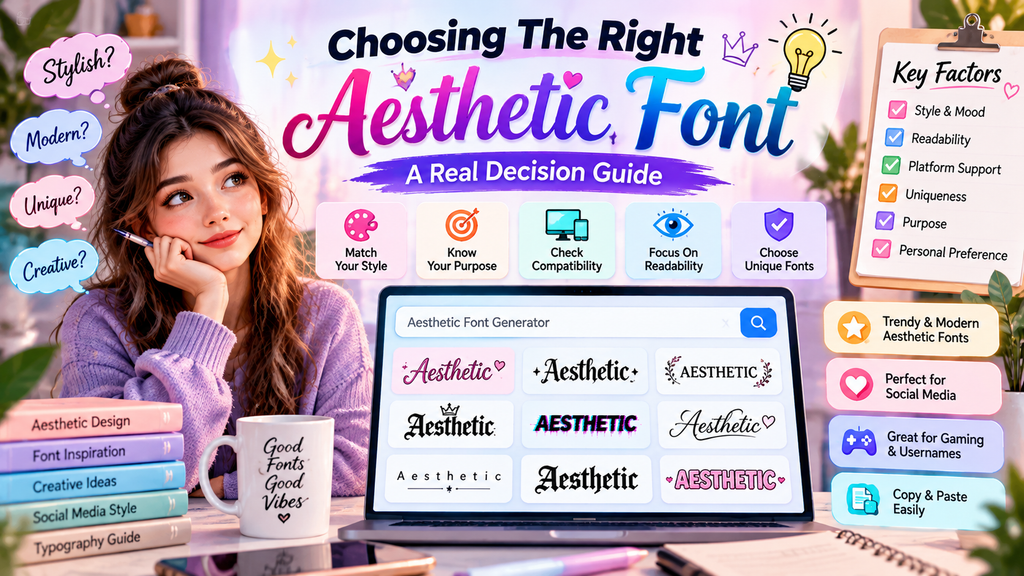
Start with your preferred aesthetic, but judge the result inside its real context: compare readability, spacing, and tone before committing. Good style selection supports identity; excessive decoration rarely improves a message across different screens consistently.
Next, test fullwidth characters and other decorative forms in the actual app; visual consistency can change across devices. Prioritize searchable text for names people must find, and avoid styles that trigger platform limitations or truncation.
Also Read: Preppy Fonts Generator
Why Aesthetic Fonts Work On Every Platform — The Technical Truth
Aesthetic text survives across platforms because many styles use stylized Unicode characters, not installed typefaces. The receiving app stores characters as text, although rendering, spacing, and screen-reader interpretation can differ by device and software version.
In practice, modern applications and operating systems map characters through their own fonts; unsupported characters may appear as boxes, so text testing across common apps beats assuming every decorative style will render consistently across platforms.
Aesthetic Symbols And Decorative Elements
Small accents can change the mood of a profile without overwhelming its message. Try hearts, stars, or moon symbols beside a name, then compare how each arrangement feels on screen before sharing it publicly elsewhere.
Use symbol-based text and decorative borders sparingly; soft frames or sparkles can guide attention, while too many ornaments create clutter. Preview the finished design at mobile size before copying it into your chosen app profile.
Conclusion
An aesthetic font generator is most useful when visual personality supports clarity rather than replacing it. Choose available styles that suit your message, then check Unicode support before sharing across different platforms and devices consistently.
Test the copy button and paste results into text fields; symbols can affect spacing and readability. Keep character restrictions in mind for stylized usernames, short bios, and messaging app layouts across social platforms and devices.
What Is An Aesthetic Font Generator?
An aesthetic font generator is a free online tool that transforms ordinary text into stylish Unicode text designs. You can create fancy letters, cute text, decorative symbols, and unique styles for social media profiles, bios, usernames, and messages.
How Do I Use An Aesthetic Font Generator?
Simply type your name, word, or message into the input box. Browse the available styles, choose your favorite design, and click the copy button. You can then paste your generated text into supported apps, profiles, and websites.
Is The Aesthetic Font Generator Free To Use?
Yes, an aesthetic font generator can be used for free without downloading software or installing additional fonts. However, available styles, usage limits, and registration requirements may vary depending on the tool you choose.
Where Can I Use Aesthetic Fonts?
You can use aesthetic fonts in Instagram bios, TikTok captions, Discord usernames, gaming profiles, WhatsApp messages, social media posts, and creative projects. Some platforms may not support every Unicode character, so always check how your text appears after pasting it.
Do Aesthetic Fonts Work On All Devices And Platforms?
Aesthetic fonts often work across many devices and platforms because they use Unicode characters rather than installed font files. However, certain characters may appear as empty boxes or display differently on older devices, applications, and unsupported platforms. Always test your text before publishing it.


[…] Also Read: Aesthetic Font Generator – Create 1000+ Cute & Stylish Text Styles […]
[…] Also Read: Aesthetic Font Generator – Create 1000+ Cute & Stylish Text Styles […]