
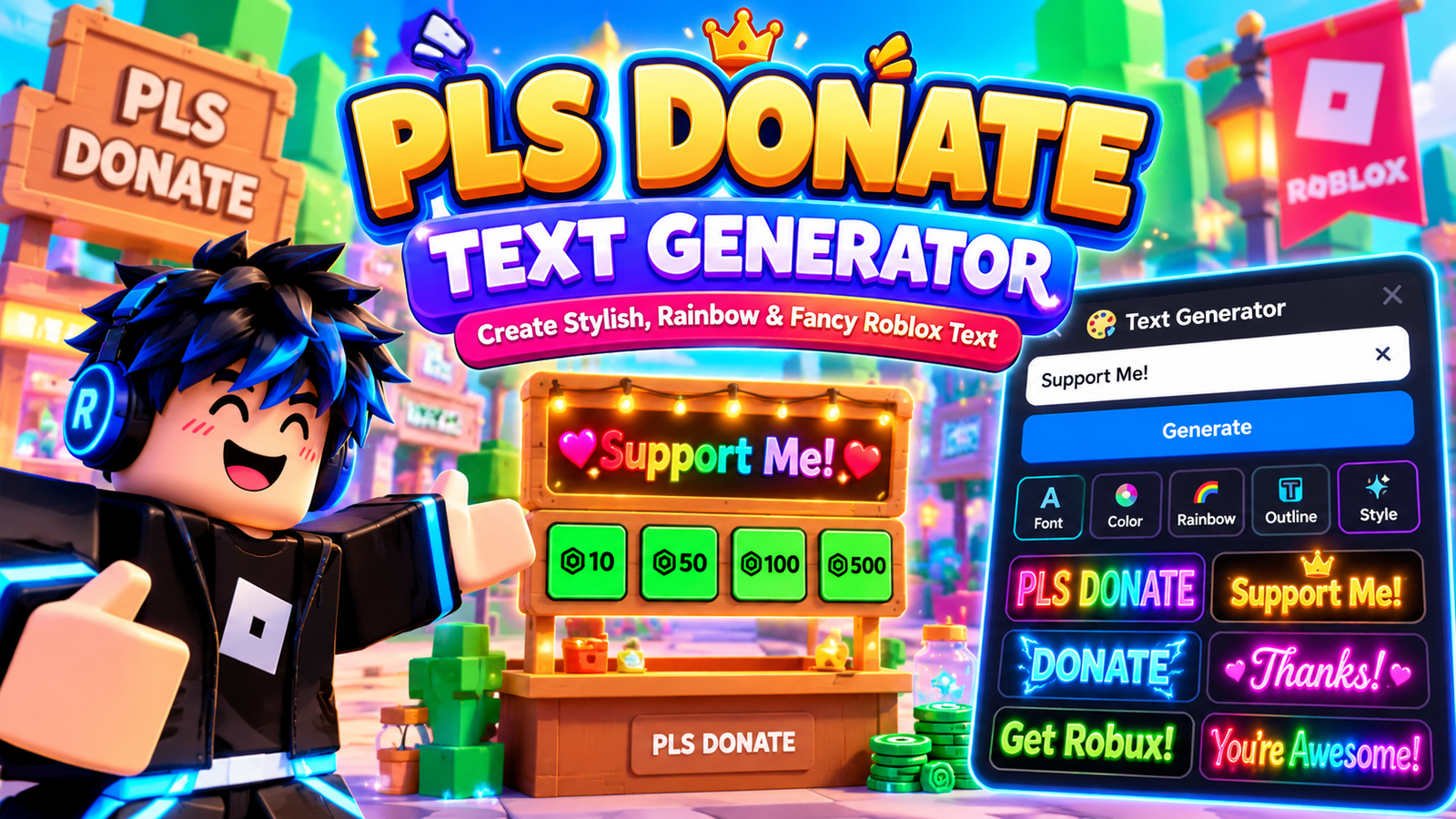

PLS Donate Text Generator
Create custom colorful booth signs for Roblox!
PLS DONATE text generators turn a booth message into formatted text designed for Roblox rich-text markup. I have found that customized text, colors, and font styling can make a stand text field easier to notice.
When I build donation signs, I prefer online generator tools offering a live preview, copy controls, and flexible text color selection. The goal is not decoration alone, but readable donation requests that quickly communicate value.
Table of Contents
What Is PLS Donate Text Generator?
A PLS DONATE text generator is an online generator that helps players customize messages for a PLS DONATE stand, using fonts, colors, weight, italics, outlines, and rainbow effects before they copy the finished text quickly.
Instead of manually writing formatting code, users can create noticeable booth text, preview gradients, adjust sizing, and paste copyable results into Roblox rich-text code, making donation messages easier to style, edit, and reuse directly effectively.
How Does PLS DONATE Work?
PLS DONATE works by letting players prepare booth messages through a PLS DONATE Text Generator, then transfer generated markup into Roblox stand interface tools. The display updates styled text, giving visitors a message while browsing.
From my testing, players start with a text field, choose font, color, or size, generate output, then copy rich-text code into the booth interface. The game renders the styled result for potential donors nearby today.
Features Of PLS Donate Text Generator
The generator gives practical control over a booth’s appearance, combining font-family, text color, stroke thickness, and font choices so creators can shape readable donation messages without editing code manually during setup for smooth everyday use.
I especially find rainbow controls, preset styles, ready-made styles, and a visual preview useful because they reveal the styled output before publishing, while the 300-character limit keeps messages compact for players planning concise booth messaging.
Also Read: Discord Font GeneratorHow To Use PLS Donate Text Generator
Start with the custom text input, then choose font selection and adjust text size controls. Select preset styles, review the preview, press the generate button, and verify the result before placing it in PLS DONATE.
Next, refine text weight, bold styling, or italic styling, then test rainbow colors or gradient styles. Use hex color customization when needed, check readability, and use the copy button before placing it in PLS DONATE.
PLS DONATE Text Controls
In my testing, the most useful font size, font color, font weight, italic, underline, and strikethrough controls change emphasis without forcing players to redesign the entire booth message.
I also check capitalization, opening tags, matched tags, closing tags, and line breaks before publishing; this routine keeps Roblox rich text consistent, improves hierarchy, and makes styled donation prompts easier to read quickly.
What You Get From The Generator
What you get is more than decorative wording: generated texts can combine gradient styles, donation-focused phrasing, and previews, helping you compare a booth message before placing polished text inside your Roblox experience for visitors nearby.
You can shape practical content around clear messages, distinctive styling, interactive challenges, and promotional materials, giving each booth a recognizable voice while making generated copy easier to adapt for signs, social posts, or Roblox interfaces.
Roblox Rich Text Tags For PLS DONATE
PLS DONATE can use Roblox rich text when the relevant interface supports markup. A color tag and formatting tags can change emphasis, while careful nesting keeps booth messages clean, readable, and visually distinct inside Roblox.
From my testing, the RichText property matters more than decorative tricks. Keep generated rich text compact, verify each tag pair, and remember that rendering depends on Roblox behavior rather than ordinary font styling in practice.
Rainbow Text In PLS DONATE
In PLS DONATE, rainbow styling works best when color changes stay readable and purposeful. I usually pair gradient and visual styles with short copy, creating an attention effect without overwhelming nearby players during gameplay together.
For a convincing result, combine formatting tags with different colors or rainbow mode, then test color combinations against nearby backgrounds. My practical preference is subtle transitions, especially when readability matters across changing shades during gameplay.
Is PLS Donate Text Generator Free To Use?
Yes, the generator can be used without paying, making it practical for creators who want styled donation messages before publishing them. The generator interface helps prepare generated output, while the tool’s primary purpose remains Roblox.
From my experience with Roblox text tools, free access is useful when testing several formats without commitment. You can experiment with font markup, colored text, or rainbow text before choosing a message for your booth.
Can I Use These Texts On Any Platform?
These texts are designed around Roblox, so a PLS DONATE stand may display formatted text differently from websites. I usually test generated Roblox markup inside the game before reusing decorative styling elsewhere for practical compatibility checks each time.
Outside Roblox, compatibility depends on the platform’s own text engine. Plain text usually travels safely, while colored effects, font changes, and game-specific tags may disappear or display unexpectedly without matching support on every destination platform correctly.
Is PLS Donate Text Generator Only For The Game?
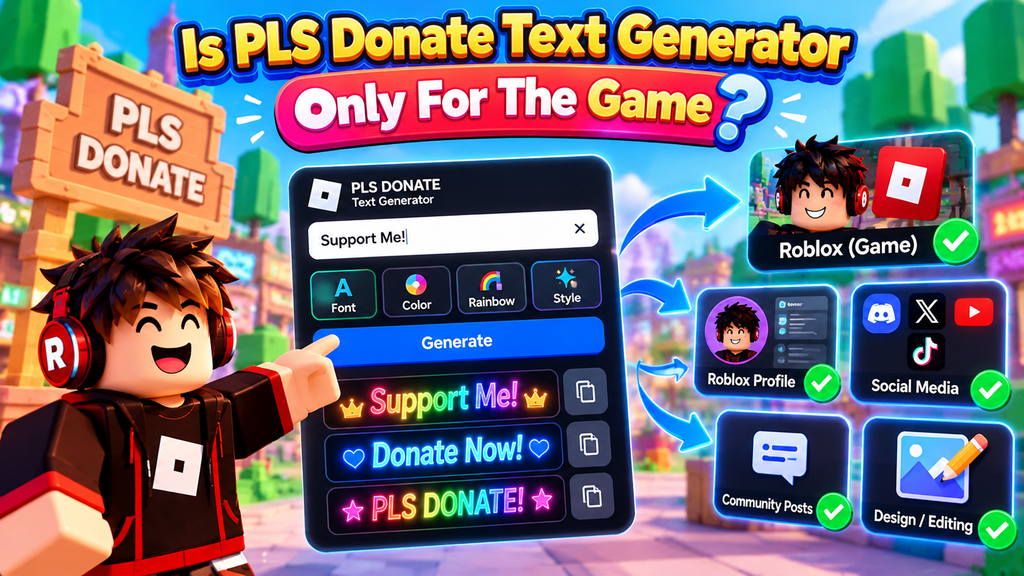
PLS DONATE is not limited to the game itself; its message styling can support Roblox profile ideas, community posts, or design previews. However, Roblox rich text works only where the destination supports compatible markup reliably.
From my testing, the generator is mainly useful for creating attention-grabbing booth content, but users sometimes reuse raw code elsewhere. That output requires a compatible field, because ordinary text boxes may display markup directly visibly.
Also Read: Gothic Font GeneratorIs There A Character Limit?
In practice, a character limit depends on the Roblox text box, not just the generator. A short message usually displays cleanly, while excessive markup size or styling can make text harder to manage inside booths.
From my testing, the practical ceiling is governed by available text size, displayed message space, and surrounding markup rather than a universal number. Keeping donation copy concise improves readability and reduces formatting problems during actual gameplay.
How Do I Get Colored Text In PLS DONATE?
To get colored text in PLS DONATE, enter your booth message, choose rainbow effects, and generate the result. The tool builds markup that Roblox can display, letting each letter appear with changing colors easily online.
For more control, adjust stroke color or combine gradient effects before copying the text. In practice, I find short messages work best because excessive styling can reduce readability while making your stand visually noticeable quickly.
How Do I Make Rainbow Text In PLS DONATE?
To make rainbow text in PLS DONATE, enable rainbow mode and choose a starting color. The generator cycles through rainbow colors: red, orange, yellow, green, blue, indigo, and violet across your message inside Roblox booths clearly.
From my testing, individual letters make the effect easier to read than coloring words. Preview the result, copy the formatting code, then paste it into your stand message and check the visible result before saving.
Can I Change The Font?
In practice, changing the font family is mostly a visual choice: Creepster, Bangers, and Oswald can give a booth different personalities, while Permanent Marker creates a handwritten feel without changing your donation text too drastically.
When testing styles, I compare Roblox fonts such as Luckiest Guy and Fredoka One, then adjust bold emphasis, font face, and stroke only when needed. This keeps customization readable, recognizable, and practical across booths efficiently.
Why Does My Text Show Code Instead Of Colors?
When your booth shows markup instead of color, the issue is usually underlying Roblox rich-text code being treated as plain text. I’ve seen users paste generated markup into Roblox text boxes without supported formatting properly.
Check whether the destination accepts rich text, then simplify the message and retest. A colorful preview can be correct, yet the stand may display tags when implementation, compatibility, or pasted styling exceeds what Roblox supports.
What Fonts Are Available For PLS DONATE?
In practice, the available choices are less about traditional downloaded fonts and more about Roblox-compatible styling: PLS Donate Font Generator options may include outlines, italics, and simple text adjustments for readable booth messages during gameplay.
I usually test font controls through a font picker, checking each font family against font examples before adding Roblox markup; some styles look impressive in previews but become less clear inside busy donation stands quickly.
Can I Add More Rainbow Effects?
Yes, you can extend the treatment by combining rainbow colors with different colors, adjusting stroke thickness, and mixing italic or underline styling. I prefer combinations because excessive effects can make a donation message harder to read.
The generator may not create rainbow modes, but you can build variety by changing green-purple, blue-red, purple-gold, or blue-purple patterns. For layouts, applying effects to individual letters can produce transitions while preserving the intended message.
How Does The Right Text Affect A Donation Stand?
In practice, a customized message can improve a stand because visitors understand the offer faster. Clear stand text, readable characters, and thoughtful creativity help donors notice what matters before deciding whether to give Robux today.
I have found saving time matters: concise wording, clear claim a stand details, and familiar game passes language make booths scan faster. It can reinforce a clothing sale and UGC items with less explanation needed.
Does Fancy Text Affect Accessibility?
Fancy text can improve appeal, but Unicode styling may reduce readability for screen readers, especially when decorative characters replace ordinary letters. On a platform, clear wording should remain recognizable across devices, users, and assistive technologies.
In my testing, rich text patterns work better than excessive decoration because accessibility depends on consistent character rendering. Keep key donation details readable, avoid unusual symbols around essential messages, and check how text behaves everywhere.
Conclusion
In my experience, effective booths need clear structure: outline a desired booth message, refine each stroke, and position the PLS DONATE stand so visitors understand your purpose without excessive decoration, confusion, or wasted time quickly, clearly.
I also find rainbow effect choices work best when users customize, paste, and apply text carefully. The tool is free, yet Unicode, support, screen readers, and accessibility deserve attention before publishing each booth message today.
What Is A PLS DONATE Text Generator?
A PLS DONATE Text Generator helps you create eye-catching booth messages using different text styles, symbols, colors, and effects. You can customize your message, copy the result, and use it on your donation stand.
How Do I Create Colored Text For PLS DONATE?
Enter your desired message into the generator, choose a supported color or style, and copy the generated code or text. Then place it into your booth message according to the game’s available text formatting options.
Can I Create Rainbow Text For PLS DONATE?
Yes, a generator can create rainbow-style text by combining different colors across individual characters or sections. Longer messages may require more formatting, so preview your result first to ensure everything displays properly.
Why Does My PLS DONATE Text Show Code Instead Of Colors?
Code may appear when formatting tags are unsupported, incorrectly written, or left unclosed. Check your generated text carefully, remove invalid markup, and test a shorter message to identify which formatting element causes the problem.
Does Fancy Text Affect Accessibility In PLS DONATE?
Fancy Unicode characters and decorative formatting can sometimes reduce readability, especially for users relying on screen readers. Keep important donation information simple and readable, while using decorative styles mainly for visual emphasis rather than essential details.


[…] Also Read: PLS Donate Text Generator […]